JPiOT / Mushroom Cultivation System
Behind every harvest.A smarter room.
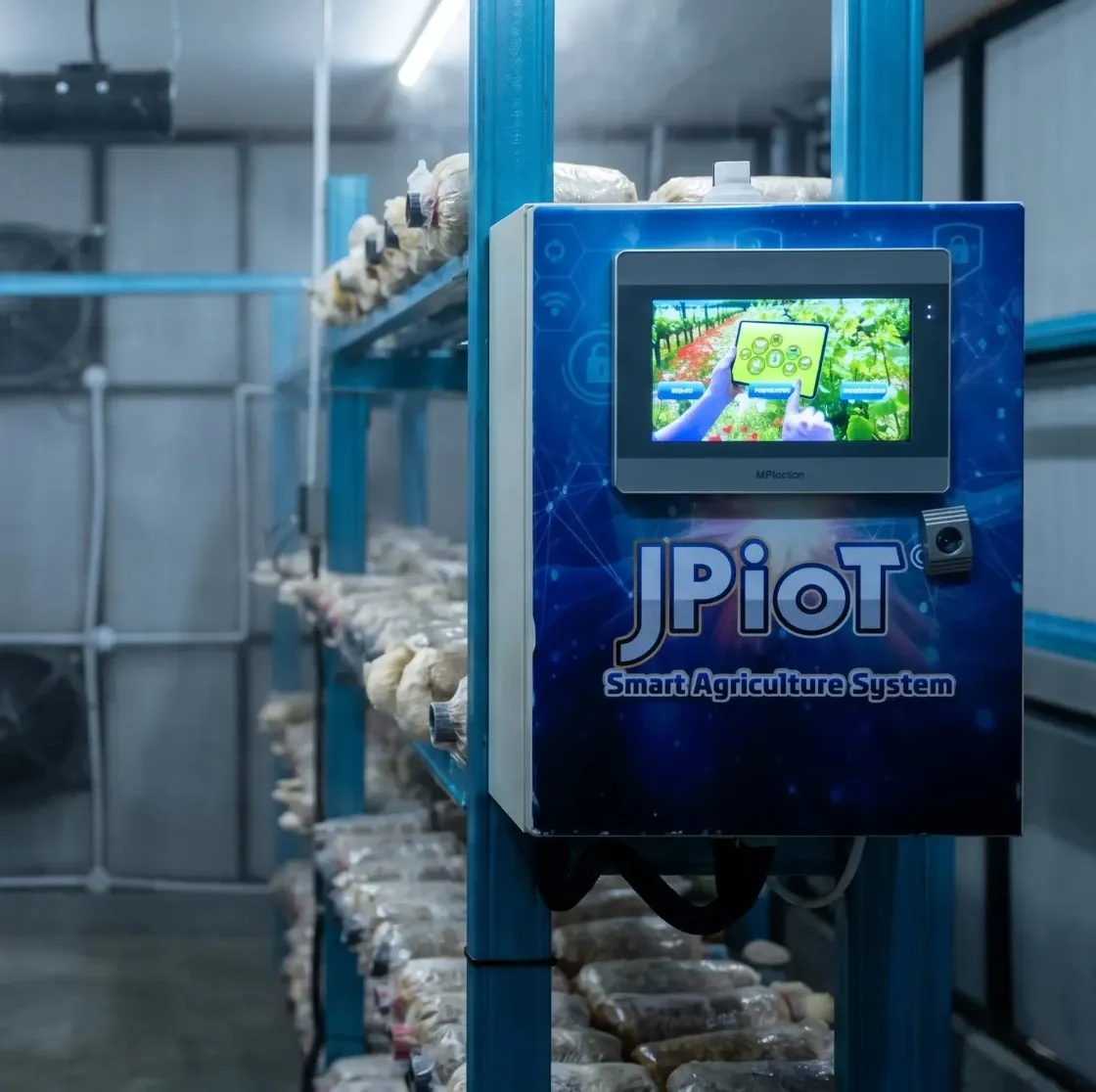
Bring your growing environment into focus. Climate control, automation and energy monitoring, connected in one cultivation system.
- Four conditions watched
- Six systems, one panel
- Set points and schedule
- Power on the same screen
- Checks from Telegram
A room with its own rhythm
Four conditions. One connected view.
Temperature, humidity, carbon dioxide and light. Bring these readings together so your team can understand the room and manage its environment with greater clarity.
-
01 / °C
Temperature
Track the room temperature alongside cooling and ventilation.
26.3 °C
-
02 / RH
Humidity
Monitor moisture conditions with mist and humidifier control.
96.7 %
-
03 / CO₂
Carbon dioxide
See CO₂ levels alongside ventilation and injection controls.
486 ppm
-
04 / lx
Light
Monitor illumination with dedicated lighting and schedule controls.
200 lux
Readings as printed on the product poster. Illustrative values, not live data and not recommended growing targets.
From sensing to action
The room works as a system.
Cooling, misting, ventilation, CO₂ and light work together. Choose a step: the schematic highlights the parts involved and says what happens there.
1 Read · Room conditionsTemperature, humidity, CO₂ and light sensors in the room report to the controller. The power meter and the router sit on the same system.
2 Cool · Air on the moveThe cooling pad draws air through wetted media, and the ventilation fans move it across the room.
3 Mist · MoistureThe water mist system draws from its tank through a pump and sprays a fine mist over the racks.
4 CO₂ · InjectionThe injection system feeds CO₂ from its cylinder through a regulator into the room.
5 Light · On scheduleLED / UV lighting above the racks runs on the schedule set in the interface.
- Air movement
- Water and mist
- CO₂ injection
- Reading to the controller
Illustrative cultivation room, following the arrangement drawn on the product poster. Not an installation drawing, and not an equipment-control interface.
-
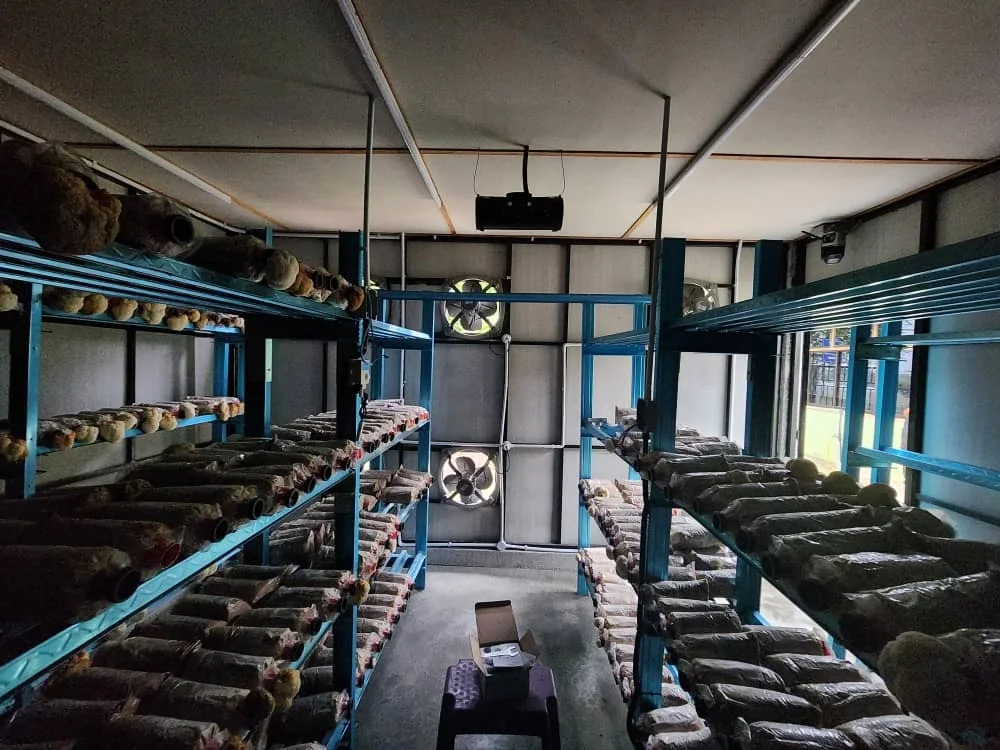
The roomGrowing bags on racks along both sides, with two fans on the end wall. -
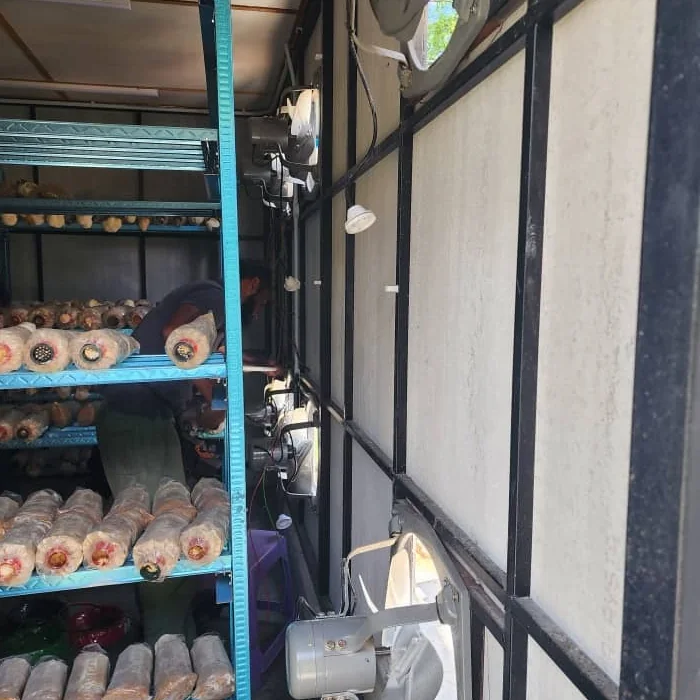
Along the wallEquipment mounted facing the racks, with someone working between them. -
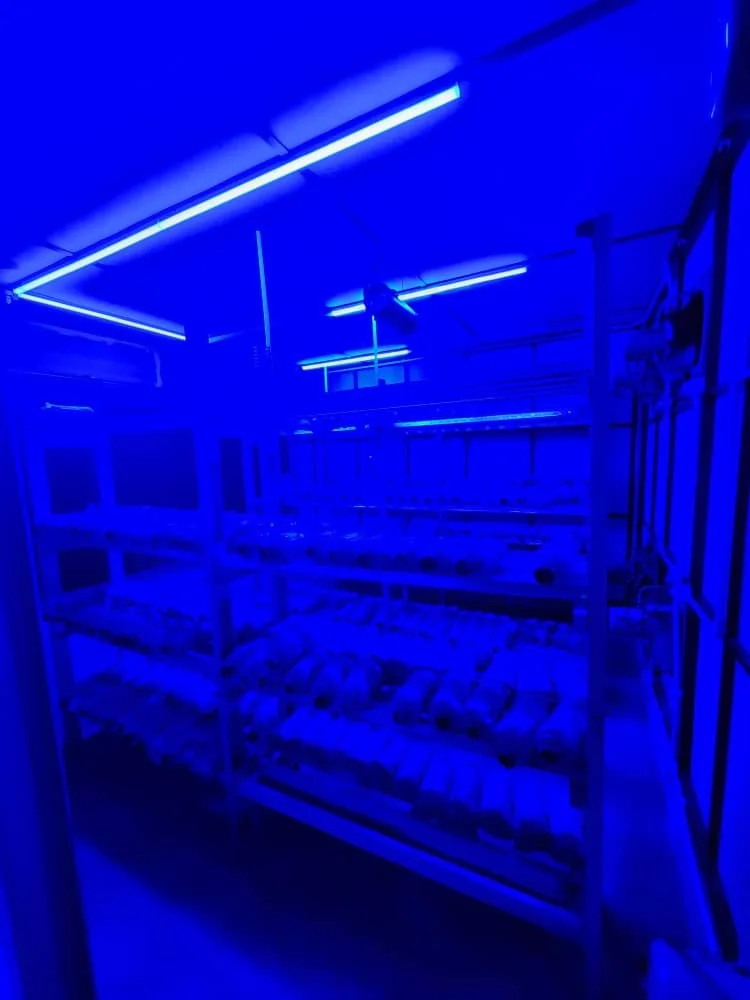
Lighting onRacks of bags under a room's blue lighting.
Photographs of cultivation rooms, supplied by JP Global. What is fitted differs from room to room; the schematic above is an explanatory drawing, not a picture of these rooms.
An interface that puts you in control
Set the rhythm. Stay in control.
Organise daily operation with schedules and set points, and reach individual device controls when the room needs adjusting.
- 01Manual control for individual systems
- 02Dedicated set point and schedule views
- 03Equipment state and alert visibility
The dashboard on this page is a demonstration. Try it: switch tabs and toggle the device buttons. Changes happen on this page only.
JPiOT / Cultivation roomA preview of the product interface
DemoDevice control / try a switch
Preview mode. These switches do not operate real equipment.
The starting states are the ones drawn on the poster’s manual control panel.
Example set points / from the product poster
- Temperature
- 24.0°C
- Humidity
- 90.0%
- CO₂
- 800ppm
- Light
- 150lux
Example settings only. Targets for your room depend on the mushroom species, the growth stage and the room design.
Daily operating window / poster example
- Start time08:00
- End time20:00
- ModeAUTO
A visual example of the operating window printed on the poster. No schedule is saved or sent to equipment.
Interactive product preview · No live connection
Energy is part of the picture
Know the conditions. See the consumption.
Keep power information beside the climate controls. The power meter view brings voltage, current and frequency together with a 24-hour chart.
Voltage
242.28VCurrent
2.58AFrequency
50.00Hz
Power consumption · 24 hour
RedrawnThe poster also prints an active power and a total active power figure, both labelled kWh. Those figures and that unit do not agree with each other, so they are not reproduced here — ask us for the meter’s actual mapping. The meter makes electrical use visible; what it costs to run depends on the equipment and how the room is operated, so no saving percentage is promised here.
A living view of the farm.
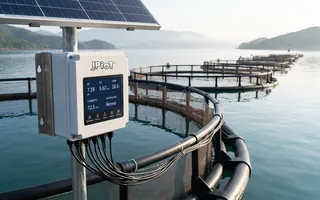
Follow the latest readings from our connected farm sensors.
Values appear as each sensor reports them, except weight: shown in kilograms, with a reading below zero as 0 kg.
Straight from the scale.
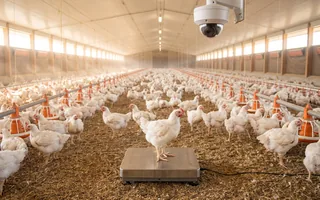
The newest reading from the weighing scale on the farm above, on its own. A scale weighs everything on its platform together: in a growing setup, the container, medium, crop and the water the medium holds, so watering raises the reading and drying brings it down.
Farm
The bot shows the latest readings from our demonstration farm, not from a cultivation room, each with the time it was measured. It sends no Telegram messages.
This shared JPiOT demo includes features across different monitoring configurations. Sensors and integrations for your cultivation room are confirmed in your quotation.
A connected cultivation setup
Built around your operation.
These are the features listed on the product poster. The final equipment, sensor selection and installation scope are confirmed for your cultivation room.
-
Environmental sensing
- Temperature sensor
- Humidity sensor
- CO₂ sensor
- Lux / light sensor
-
Room control
- Cooling pad and water mist / humidifier
- Ventilation fan control
- CO₂ injection system
- LED / UV light and music control
-
Monitoring and operation
- Power meter monitoring
- IoT smart monitoring
- Schedule and set point pages
- Equipment status and alerts
Quantities, electrical ratings, pad and fan sizing and the installation scope are not stated here because they depend on your room; all of them are confirmed in your quotation.
See the product posterFrom the rooms
What comes off the racks.
Pictures supplied by JP Global from cultivation rooms. Each caption says only what is in its frame.
-
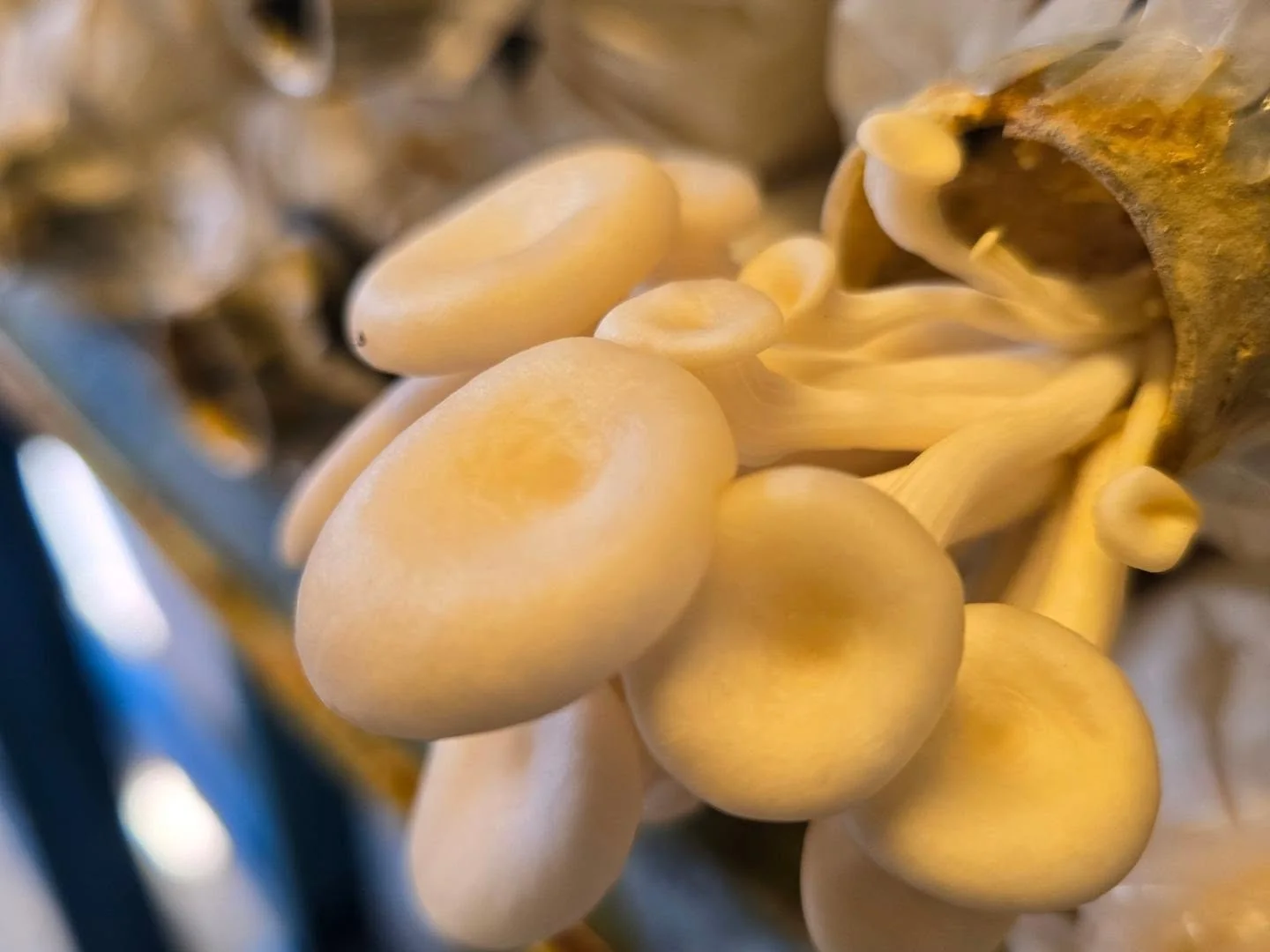
A young flushYoung caps coming out of the neck of one bag. -
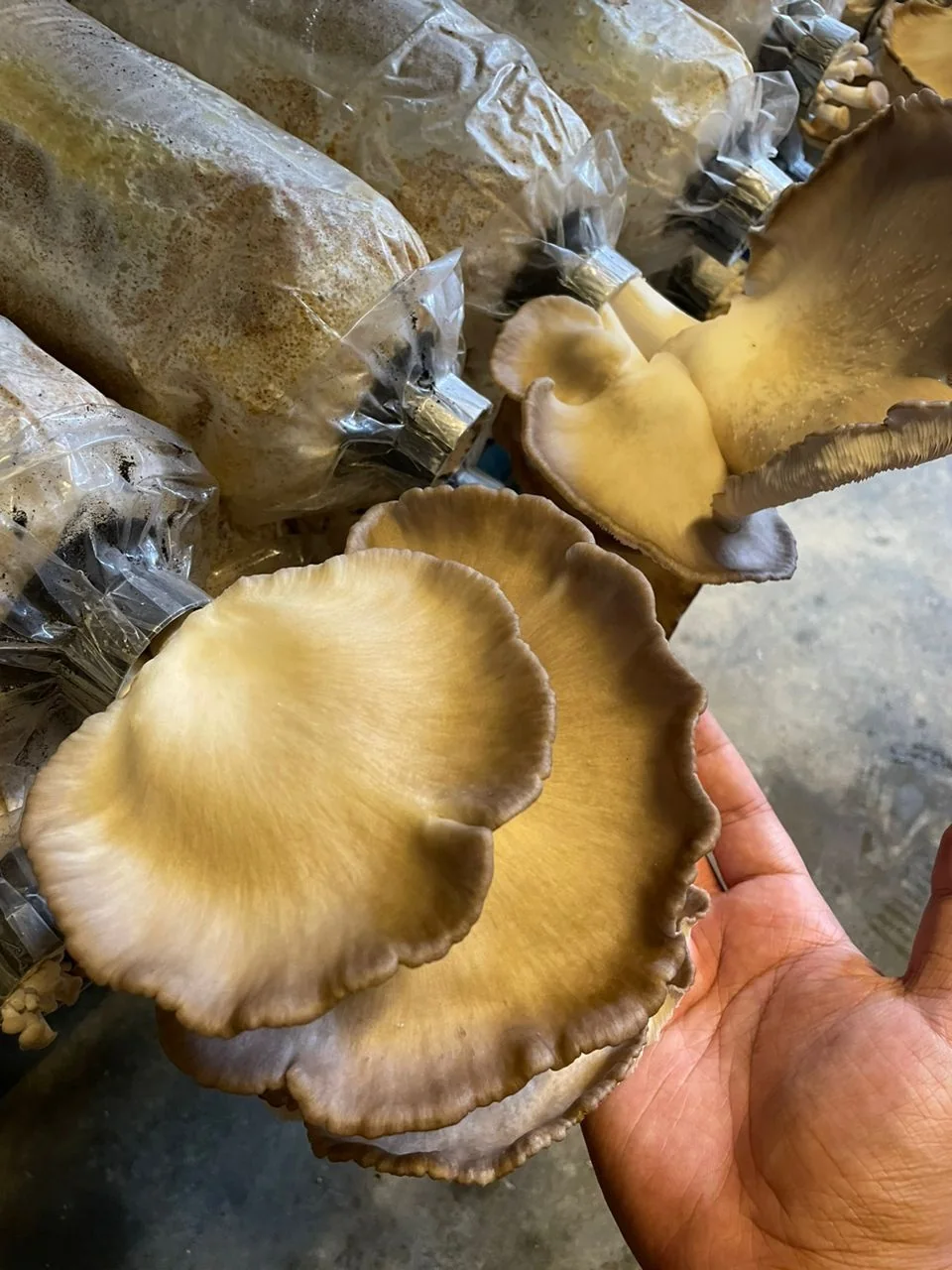
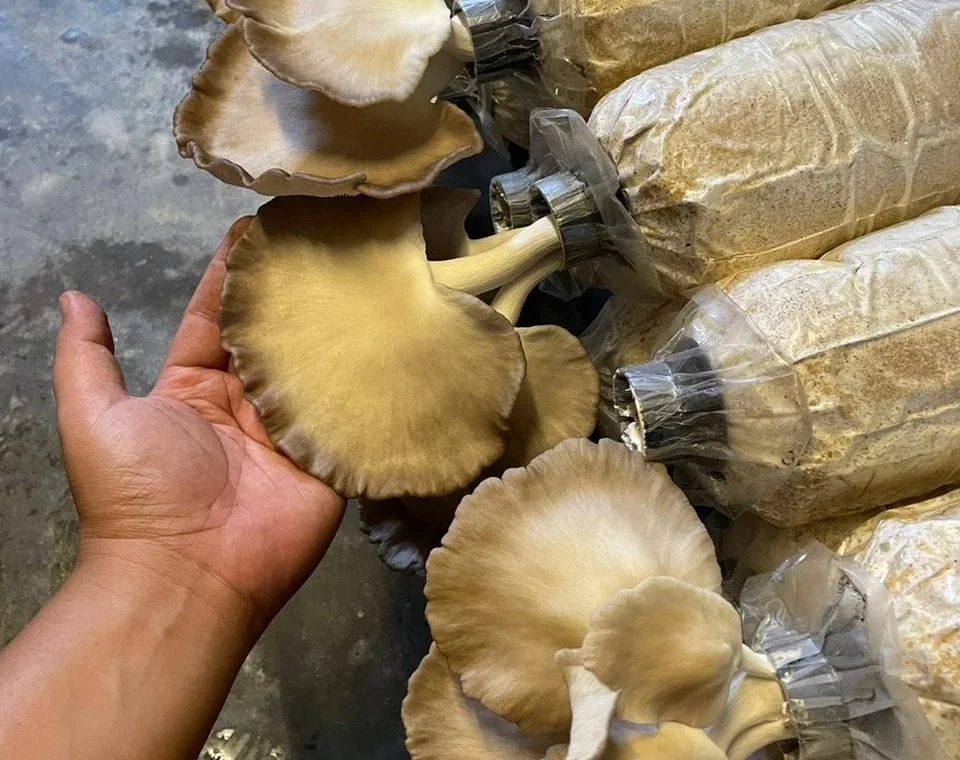
At pickingTwo caps held in one hand, in front of the growing bags. -
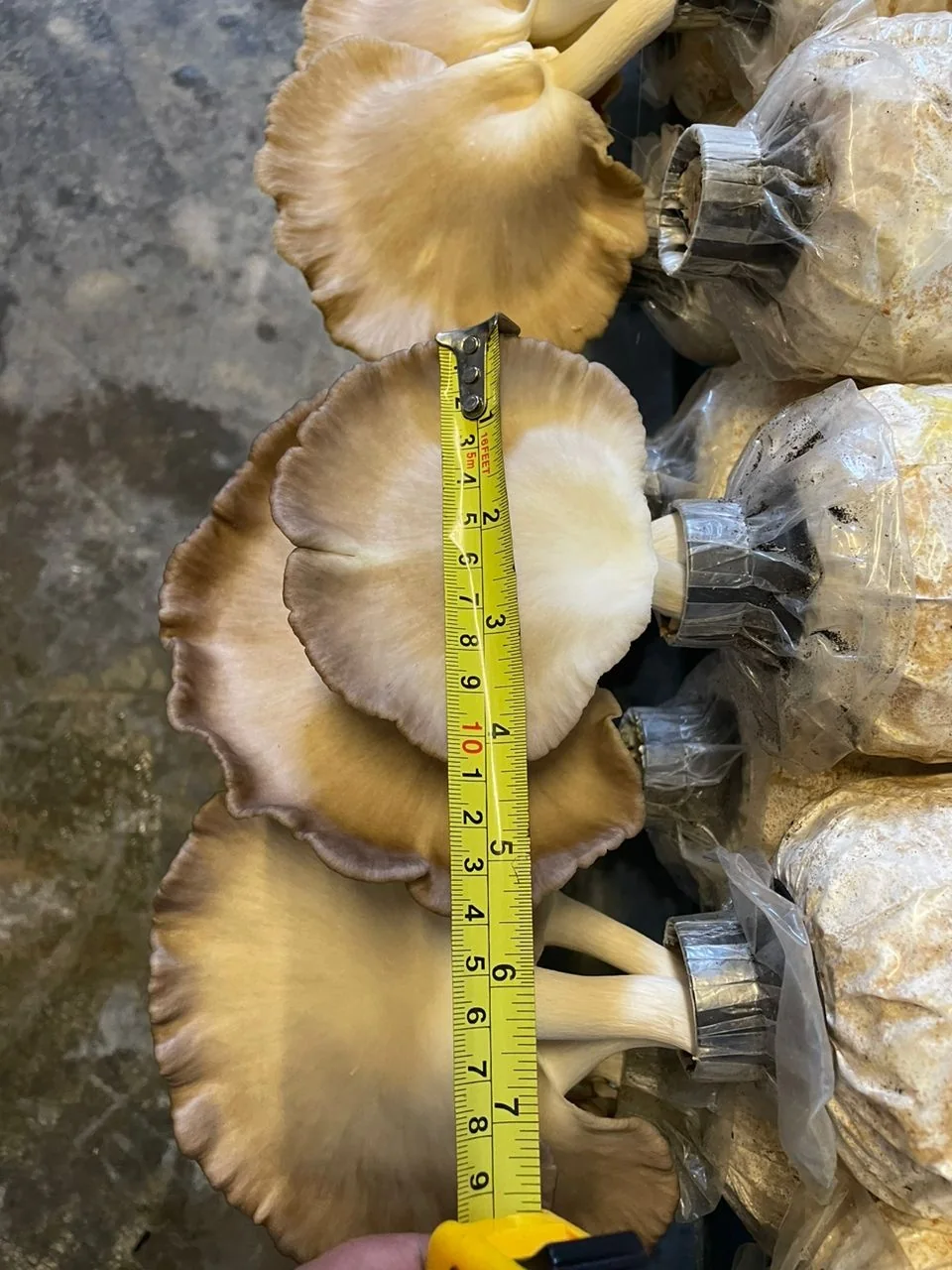
MeasuredA picked cap with a tape measure laid across it. -
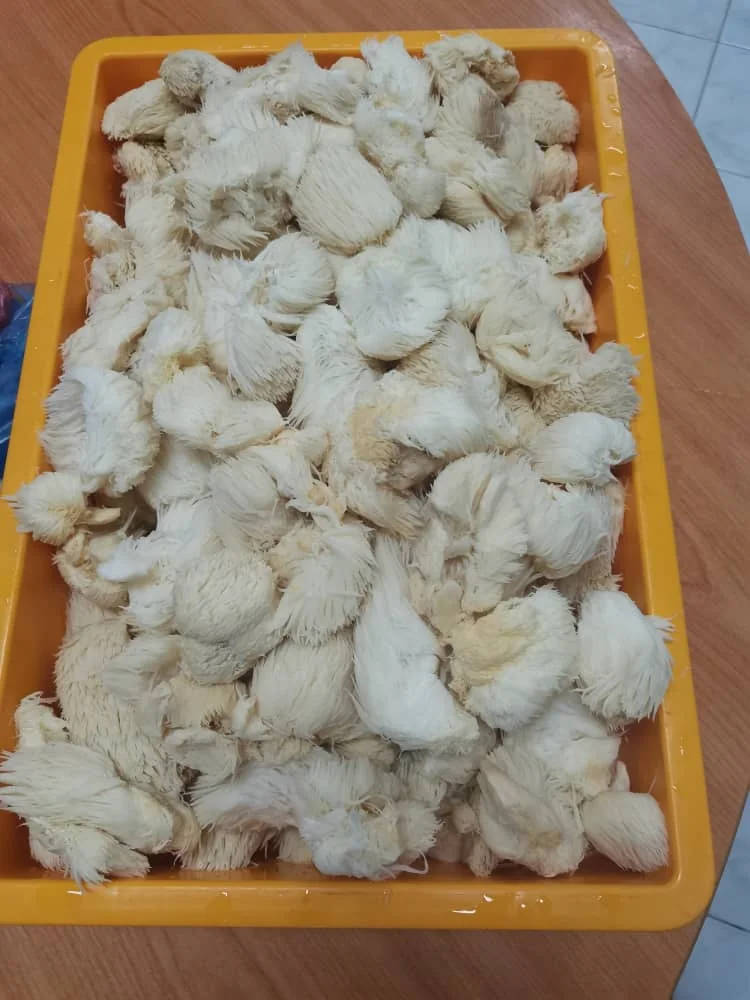
After pickingA tray of lion's mane after picking.
Photographs supplied by JP Global from cultivation rooms. They show what grew and what was picked there; they are not a yield, a size or a grade this system promises.
Enquire
Your room. A smarter way to grow.
Tell us about your cultivation space and the operation you want to build. Your answers go into a WhatsApp message you can check before sending.
Prefer to call?+60 10-211 0447